Cozy Halloween baking
Color ideas before you put marker to paper
ColorBestie makes a colored example from a photo or scan of your own coloring page. Explore a mood or color direction, then use the preview as inspiration while you color on paper with your markers or pencils.
Try your own coloring page5 previews free — no payment needed. See pricing and credits.
If you want to see one possible finished version of a page before coloring it, ColorBestie can help. Upload your own line drawing, choose a mood and style, and generate a color preview. You can explore another direction and keep the ideas you like in your gallery.
You do not need to paint every area on a screen to get a preview. ColorBestie uses AI to suggest a colored version; you decide what to take from it. Details can change, and the image is a reference rather than a prediction of your exact finished page.
From your drawing to a color idea
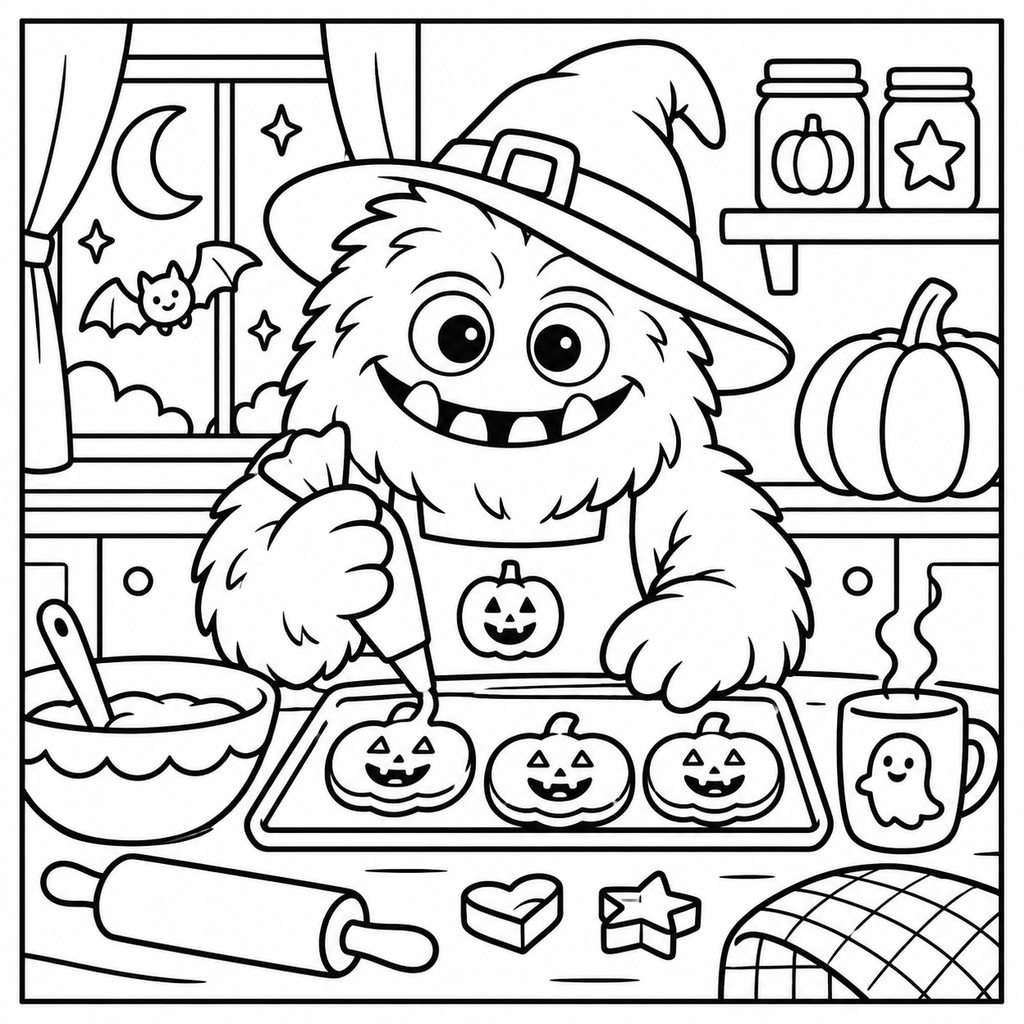
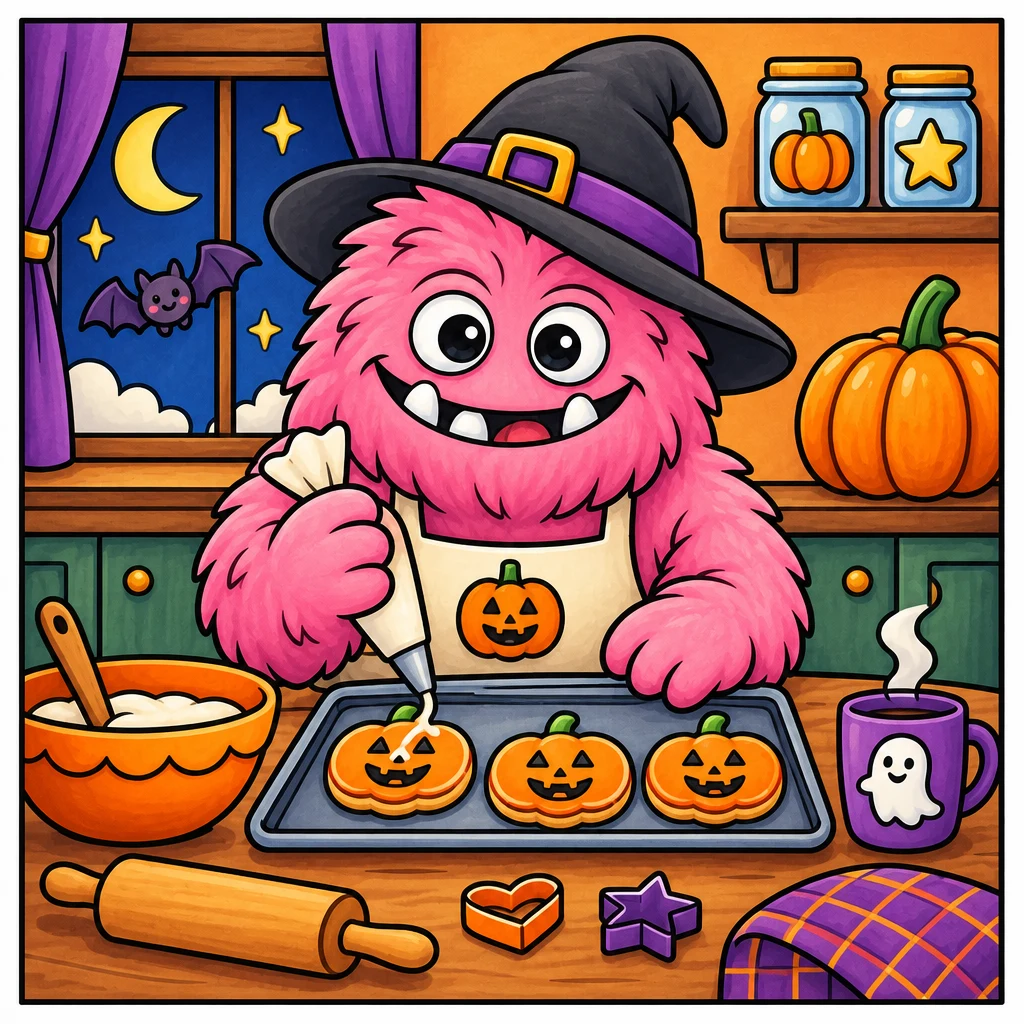
The same coloring page, before and after a color preview generated in ColorBestie. Select any image to view it larger in a new tab.
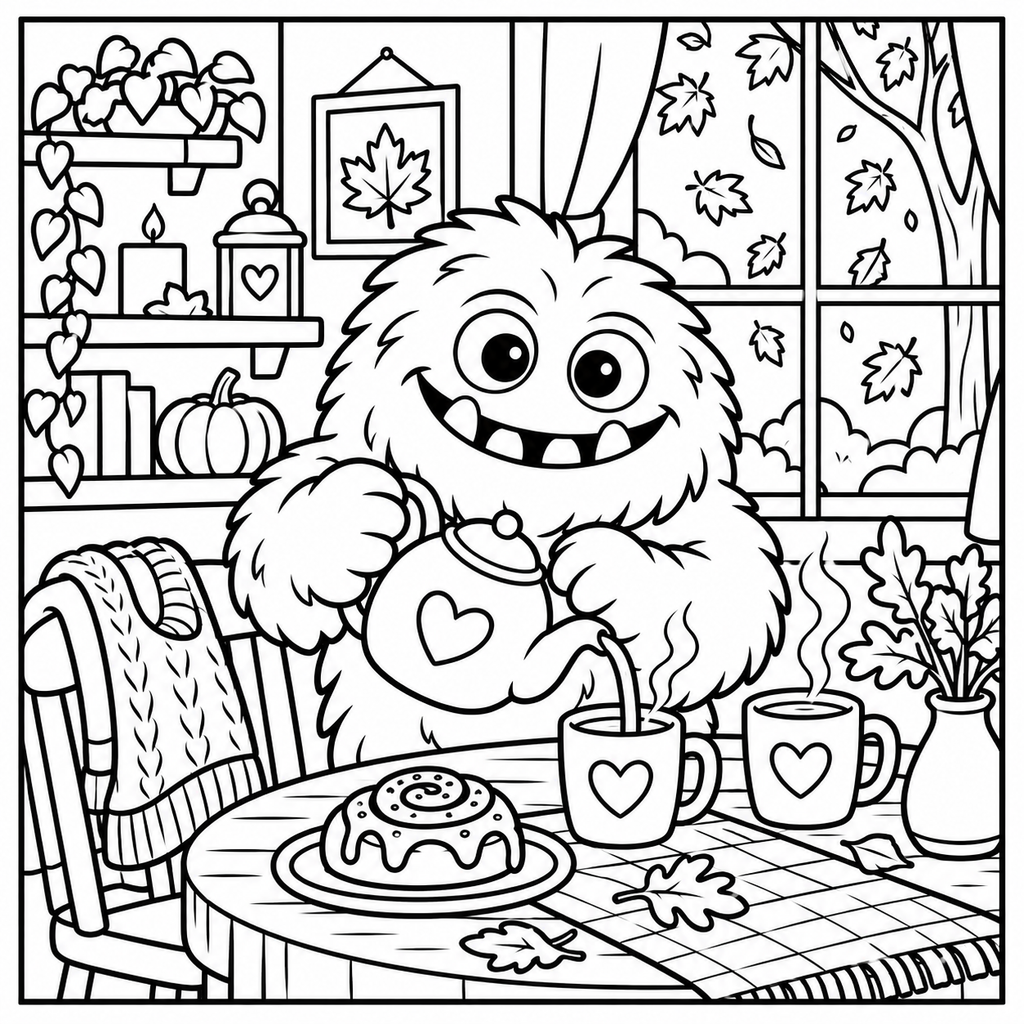
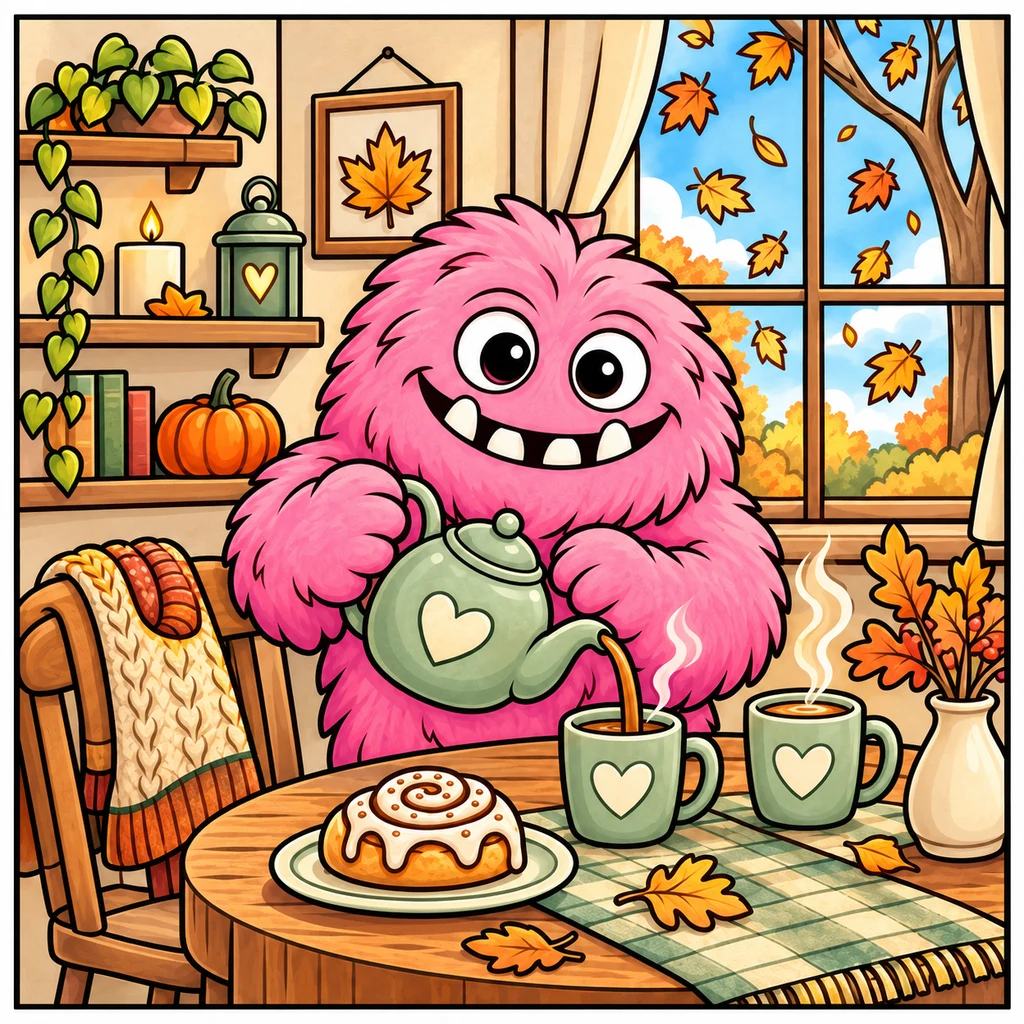
Generated examples for inspiration. Colors and textures on paper will vary with your markers, paper, and technique.
You can use a ColorBestie preview as a starting point for the overall color direction. For physical marker choices, use the separate tools below. Check the supported series and set before comparing codes: a reference chart may contain colors that are not in your own box.
A generated preview does not guarantee an exact color plan using only the markers you own. On-screen colors, paper, ink layers and lighting can differ. Always check suggested alternatives with real swatches.
Your first five standard previews are free. Further previews use paid credits. A standard preview costs one credit; example-photo style-reference mode costs three paid credits and is outside the free allowance. The website color tools above are free and do not use preview credits. See current pricing and credit rules before buying.
Use our free autumn tea coloring page or upload a drawing of your own. Compare the original with a preview, then make your own choices on paper. The examples here show generated inspiration, not physical marker tests.
See the full getting-started guide or ask us about a feature.