Free printable color reference
Panduro Colour Marker 168 swatch chart
Download a blank A4 swatch chart with 168 distinct printed labels for Panduro Colour Marker 168. Fill the rounded boxes with your own ink and keep it beside your collection.
2 A4 pages · 108 boxes per full page · Black-and-white · Free
Download free PDF ↓Customize names, paper, codes or box size →Does this chart match my set?
168 distinct labels from the linked product-specific list. Check the series and tip edition against your packaging.
This is a chart for the named set/edition. Compare its labels with your markers before printing.
Source type: Retailer / product chart.
View the source chart or exact product evidence ↗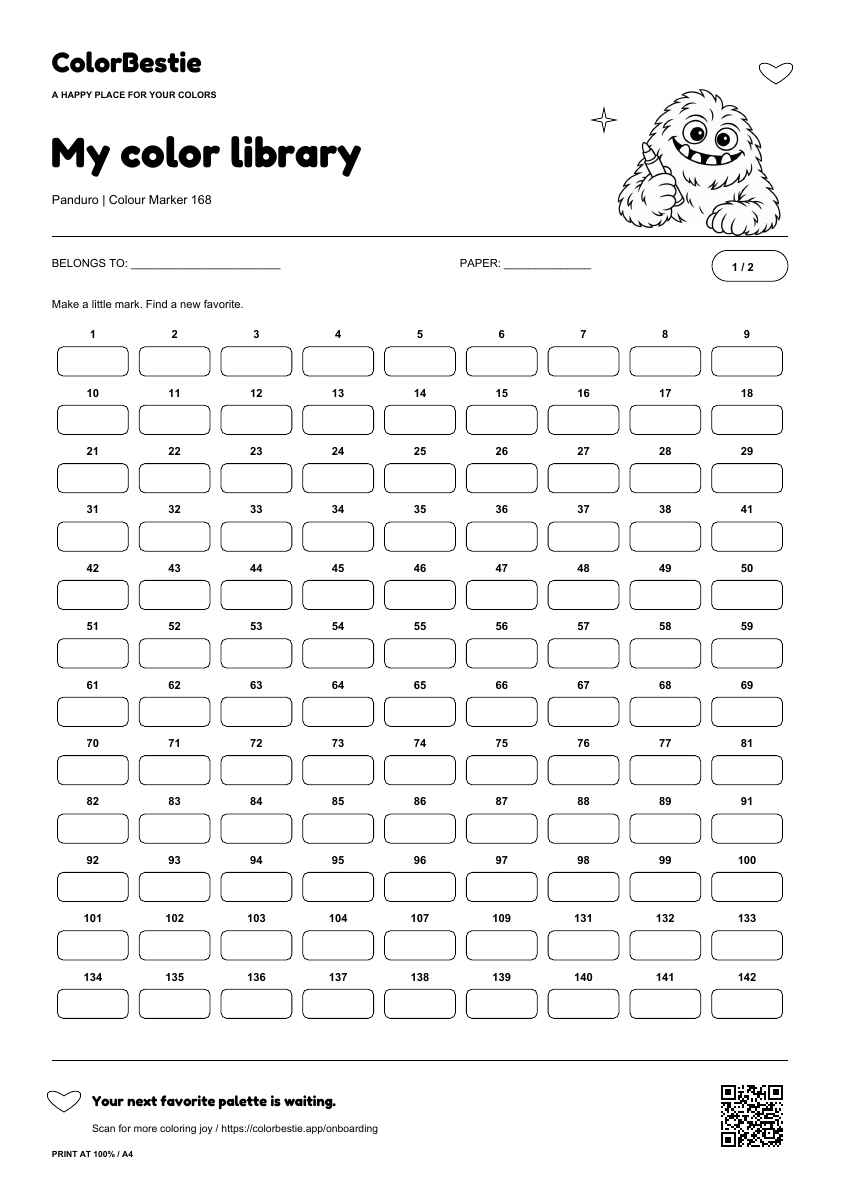
How do I use a marker swatch chart?
Read the printable color chart guide for help choosing and using your sheet. This is a ColorBestie blank template, not a manufacturer-issued filled color chart.
- Print the PDF at actual size / 100% on your usual coloring paper.
- Write your name and paper details on the sheet.
- Use the matching marker in each empty box. Let the ink dry before comparing shades.
For alcohol markers, place a spare sheet underneath to catch bleed-through. Screen colors, paper coating, layering and drying can change how a shade looks; your own ink swatch is the useful reference.
Which labels are included?
These are the actual labels included in the download. Repeated labels appear once; a blender can have its own box. The total is a label count, not a promise that every pen is a different ink color.
Open a section to find codes starting with that letter or number.
01 label
- 0
158 labels
- 1
- 10
- 11
- 12
- 13
- 14
- 15
- 16
- 17
- 18
- 100
- 101
- 102
- 103
- 104
- 107
- 109
- 131
- 132
- 133
- 134
- 135
- 136
- 137
- 138
- 139
- 140
- 141
- 142
- 143
- 144
- 145
- 146
- 147
- 163
- 164
- 166
- 167
- 169
- 171
- 172
- 173
- 174
- 175
- 178
- 179
- 182
- 183
- 185
- 196
- 198
- 120
- 121
- 122
- 123
- 124
- 125
- 126
210 labels
- 2
- 21
- 22
- 23
- 24
- 25
- 26
- 27
- 28
- 29
39 labels
- 3
- 31
- 32
- 33
- 34
- 35
- 36
- 37
- 38
410 labels
- 4
- 41
- 42
- 43
- 44
- 45
- 46
- 47
- 48
- 49
511 labels
- 5
- 50
- 51
- 52
- 53
- 54
- 55
- 56
- 57
- 58
- 59
610 labels
- 6
- 61
- 62
- 63
- 64
- 65
- 66
- 67
- 68
- 69
79 labels
- 7
- 70
- 71
- 72
- 73
- 74
- 75
- 76
- 77
810 labels
- 8
- 81
- 82
- 83
- 84
- 85
- 86
- 87
- 88
- 89
910 labels
- 9
- 91
- 92
- 93
- 94
- 95
- 96
- 97
- 98
- 99
B5 labels
- BG1
- BG3
- BG5
- BG7
- BG9
C10 labels
- CG0.5
- CG1
- CG2
- CG3
- CG4
- CG5
- CG6
- CG7
- CG8
- CG9
G5 labels
- GG1
- GG3
- GG5
- GG7
- GG9
W10 labels
- WG0.5
- WG1
- WG2
- WG3
- WG4
- WG5
- WG6
- WG7
- WG8
- WG9
Choose colors after swatching
Use the palette generator to plan a small color group or the marker converter to find digital alternatives in supported sets. Select your actual collection and check the results against this chart; not every printable code list has digital color data.
For a shading study, use the alcohol-marker blending helper and test the suggested overlaps on this same paper.